The video studio
that Claude runs.
You ask for the video. Claude writes the plan, edits in your brand, narrates in English when the format needs a voice, and checks the result. You approve the plan and the finished video.
One payment, in US dollars. Every update included.
- Lifetime license
- Runs on your computer
- macOS, Linux and Windows
- Landscape and vertical
Who uses it
In production, every day
These companies make their videos with the same studio you install with one command.




Made by the studio
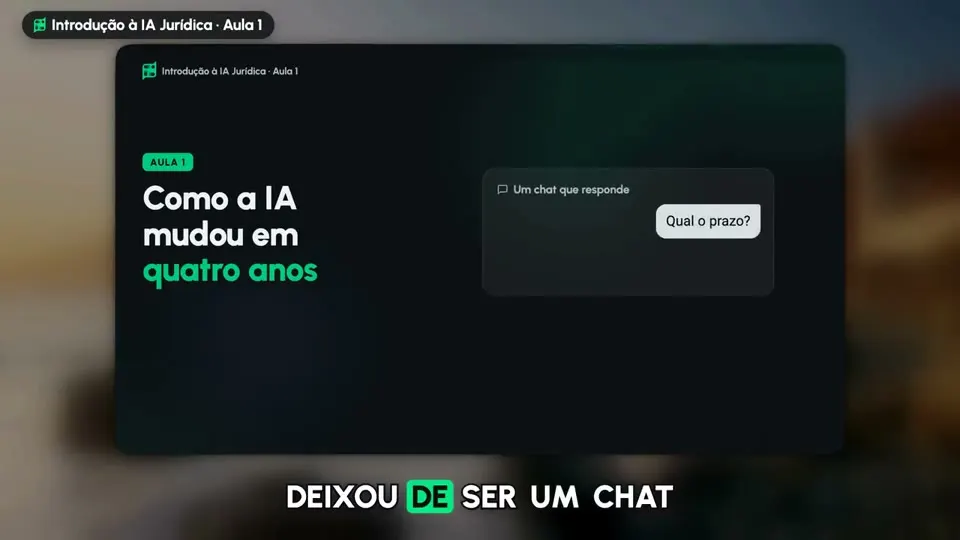
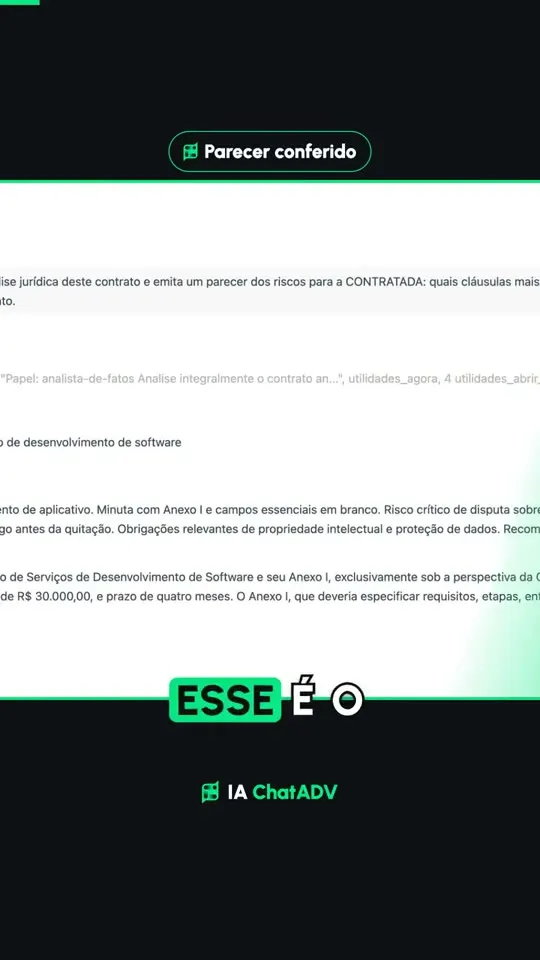
A real lesson, in English
Made with the Creator plan: Claude wrote the script, the Lauren voice narrated it and the studio built every screen on the spoken word.
Two minutes, landscape and vertical. Hover to preview; click or tap to listen.
Narrated by the Lauren voice on ElevenLabs. Every screen comes in on the word the voice says.
How Claude works
Editing is not a video type. It is the way it works.
Claude orchestrates the skills, the tools on your computer, the voice and the review on its own, and only stops at the two points where the decision is yours.
The example is an animated lesson, in the Creator and Pro plans. The talking video and the clips keep your own voice and skip the narration steps.
See the planskit.py novo onboarding --tipo aula --minutos 3
Pricing
One payment. Yours for good.
Pick the formats you need today. Upgrade later paying only the difference.
Starter
Your talking videos, edited and animated.
- Talking video, edited: pauses and retakes cut, word by word captions
- Animated cards and drawn objects above your head, on the spoken word
- Split screen explainer: you full screen, the split, or the visual full screen, with app screens and charts
- Your brand, or each client's: colors, fonts, logo and tone, as many brands as you want
- 9:16, 16:9, 1:1 and 4:5
- Cleaner voice: room echo removed, with the before and after to compare
- Five intro versions to choose from, with sound effects on the beat
- Free motion from 3 prompts of the dashboard gallery, in your colors
Creator
RecommendedEverything in Starter, plus clips and lessons.
- Everything in Starter
- Clips for Reels, TikTok and Shorts from your long videos, in your editing style
- Your editing guide, learned from the reference videos you choose
- Animated lessons of 2 to 5 minutes, narrated in English
- Your writing style, learned from your Instagram captions
- The real logo and page of the brand your lesson or talking video mentions, and numbers with their source on screen
- Free motion from 10 prompts of the dashboard gallery
Pro
The whole studio.
- Everything in Creator
- Screen tutorials of your own software, recorded and narrated
- Your Screen Studio recordings, edited
- Demo ads, phone guides and brand stings
- Videos ready for your landing page
- Motion in five styles and free motion: any of the 249 gallery prompts, or your own request, becomes a piece
- You, cut out, moving over the screen
- Custom screens Claude writes for your video
- Faceless videos: Claude researches, writes with sources and your brand voice narrates
- Stages page: follow your talking video and fine-tune the cut by ear
- One payment, lifetime license
- Every update included
- One computer, switch anytime every 30 days
- Upgrade later paying only the difference
Secure checkout by Stripe. Prices in US dollars. All sales are final, as the Terms of Use say.
Install
One command, six steps, no manual setup
After the purchase, the key arrives by email. The first time, the installer asks for the email and the key; then open Claude Code in the studio folder and say "I want to make a video".
$ npx -y https://painel.claquete.ia.br/claquete.tgz
- license checked · version 3.7.1 downloaded and verified
- 1/6 Skills · the formats of your plan, in English
- 2/6 Studio · files copied
- 3/6 Machine tools · Remotion, Playwright, ffmpeg and, if you want, local transcription
- 4/6 Key and voice · voice ready (listen to saida/teste-voz.mp3)
- 5/6 Your brand · marca/marca.json saved
- 6/6 Test · Remotion builds the project · Done: Claquete.ai 3.7.1
- → in Claude Code, say I want to make a video
Node 18 or newer
The installer handles the rest: Remotion, Playwright, ffmpeg and Python, on macOS, Linux or Windows.
The purchase key
It arrives by email and stays in the dashboard. It works on one computer, and you switch computers in the dashboard. Besides it, only the ElevenLabs key.
Nothing gets lost
A skill that already exists becomes a backup copy, and --update keeps your scripts, recordings, brand and keys.
Questions
What everyone asks first
Not here? Email [email protected]: the answer becomes a line on this list.
A video studio that runs inside Claude Code, on your own computer. You ask for a video, Claude writes the script, you approve it, and Claude records, narrates, edits and delivers it in your brand.
Claude Code with your Claude subscription, Node 18 or newer, and an ElevenLabs key for the narrated formats (paid per use on your own account). The talking video and the clips keep your own voice and need no ElevenLabs. The studio runs on Mac, Windows and Linux; the clips from long videos run on Mac and Windows.
No. One payment, a lifetime license for one computer, with every update included.
Yes. In your dashboard you move from Starter to Creator or Pro paying only the difference, and the new formats arrive with the update command.
The studio works in English and in Portuguese: scripts, narration and captions. The talking video and the clips keep the language you speak in.
Yes. The key works on one computer at a time, and you free it in the dashboard to activate another one, once every 30 days.
Yes, with the same license. The key is for the computer, not for the brand: the studio keeps each client's or project's brand (colors, fonts, logo, voice, call to action and writing style), and Claude switches to the right one before each video. Nothing from one brand carries over to another.
Yes, the videos you make are yours, for you or your company. Remotion, which the studio uses to render, is free for individuals and companies of up to 3 people; above that, the company licenses it directly from Remotion.
All sales are final, as the Terms of Use say, because the key and the download are delivered at once. If something does not work on your computer, write to [email protected] and we help you fix it.
Your next video starts today
Pick your plan, install with one command, tell Claude "I want to make a video" and approve the plan. It does the rest.
One payment, every update included. Already bought: open the dashboard